The One with Excalidraw MCP in Claude Code
I used to ask Claude to explain architectures and system designs in the terminal. And since I work mostly in the terminal nowadays, I got ASCII art back. Boxes made of +-------+ and arrows made of --->. It worked, but not for anything beyond simple stuff.
Then I found the Excalidraw MCP server. Now when I ask Claude Code to explain something, it draws real diagrams on a live canvas. Colorful boxes, proper arrows, hand-drawn style. Boom.
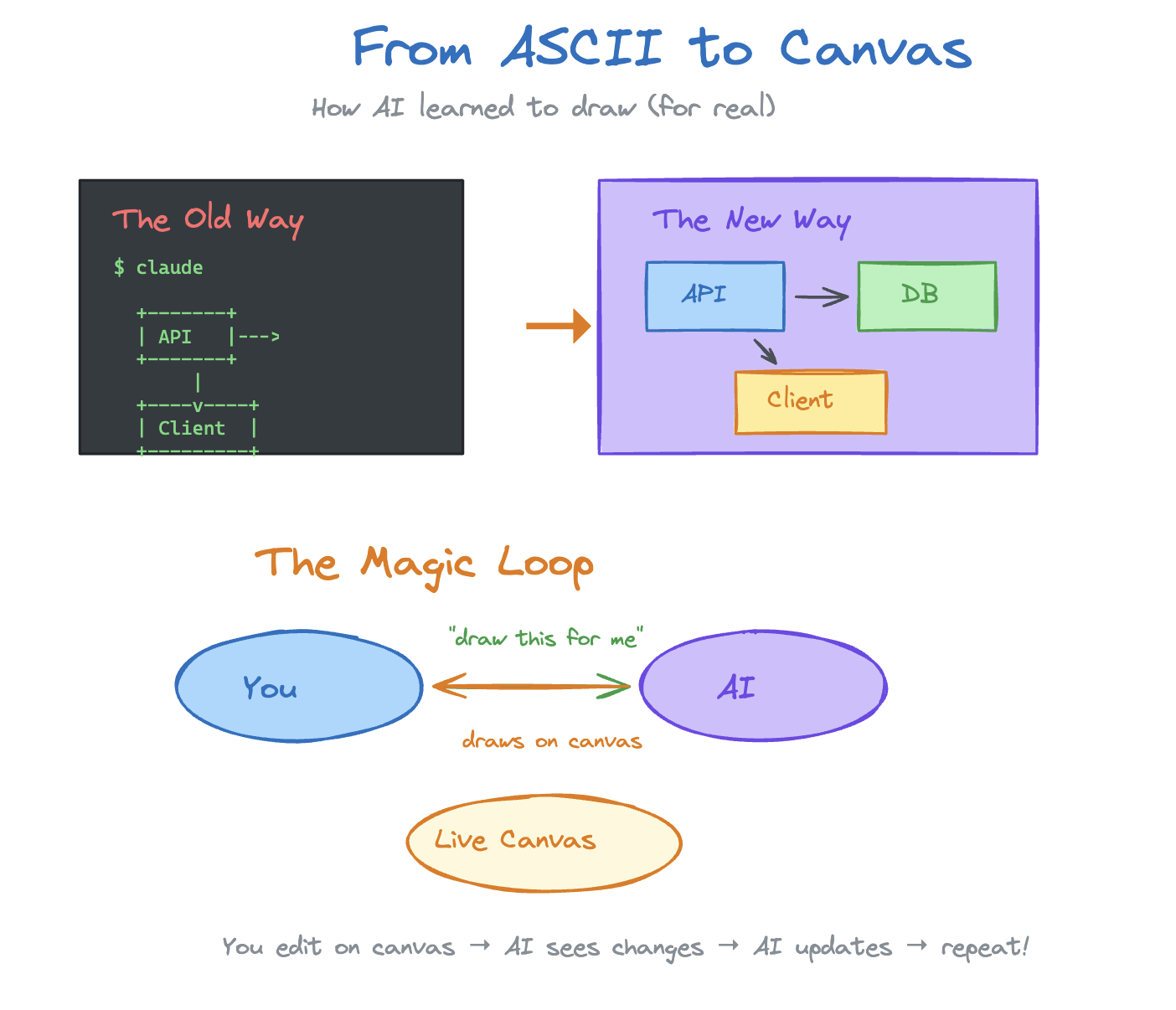
Psst, if you look closely it’s not perfect. Lines don’t connect perfectly and the end of an arrow isn’t the same color as the line. I believe that could probably be solved with some fidgeting with the Excalidraw skill :)
What I really like is that it’s not a one-way thing. I can move stuff around on the canvas, add a box, scribble a note, and the AI can respond to it. It’s a genuine back-and-forth on a shared visual space. It’s a bit rough around the edges, but I can fiddle with it and it gets the point across.
For me this is super valuable, actively working with something visual instead of just reading text. Excalidraw makes it more interactable, and exportable in a sense.
That’s it!
Stack: Claude Code, Excalidraw MCP, Express + WebSocket