Margin
A calm, keyboard-first Markdown editor inspired by Typora, built to experiment with agentic coding
I love Typora, and I love agentic coding. There were a few things I wanted to change about Typora, and one day I thought: what if I just built it from scratch, exactly the way I want it? I don’t need every feature. I want a calm, distraction-free place to write, plus a few small touches that fit how I work. Something made for me, that I can keep changing whenever I want.
So instead of reaching for yet another specialized tool, I decided to try my hand at building one myself with agentic AI.
I opened the Claude Code app on my phone, connected remotely to my computer at home, and just started talking, describing what I wanted. It worked for about 45 minutes, and then I had a prototype I could test on my lunch break.
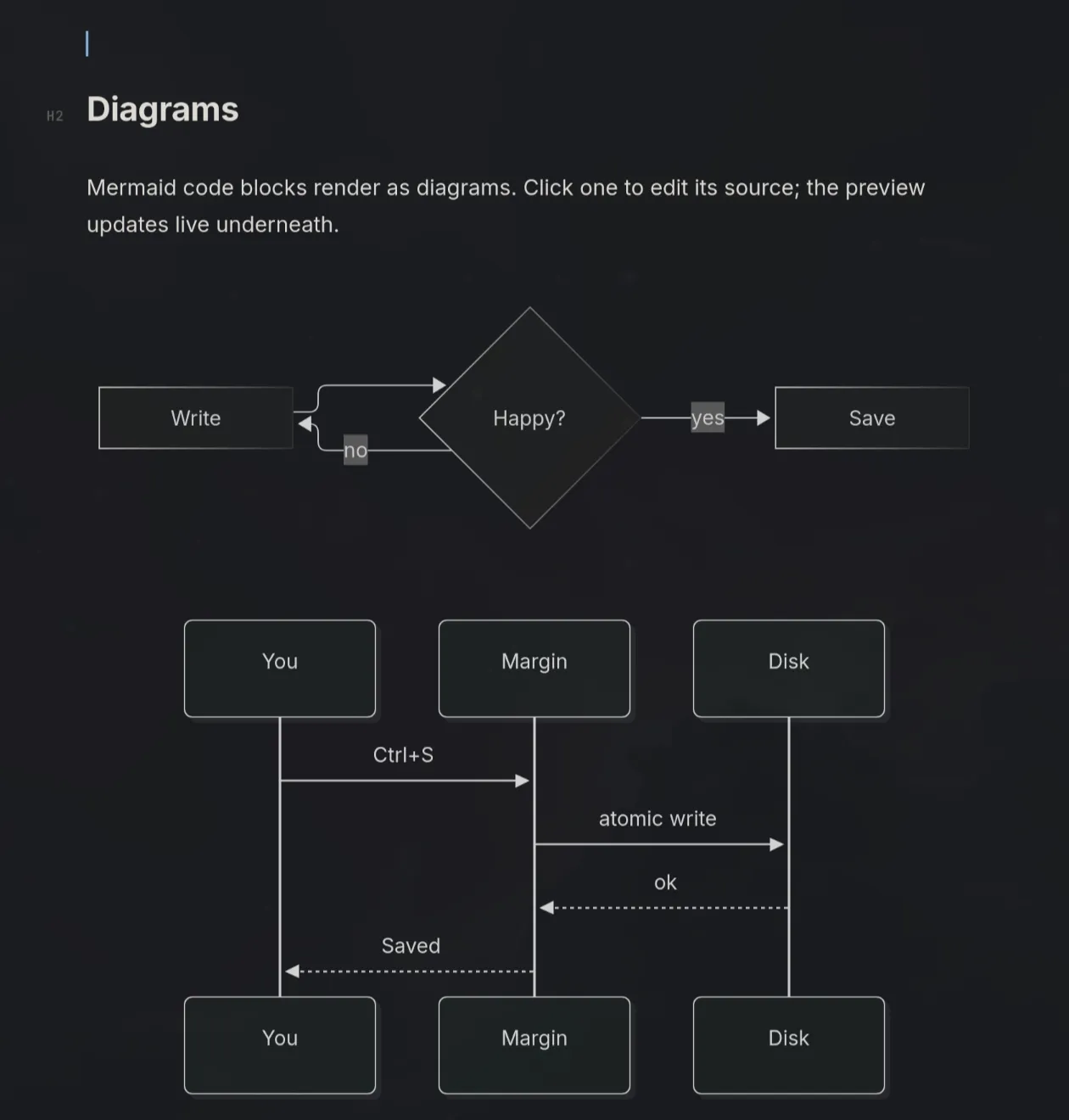
It works great and does almost exactly what I wanted. The only thing I had to fiddle with was how Mermaid diagrams are displayed.
What it does
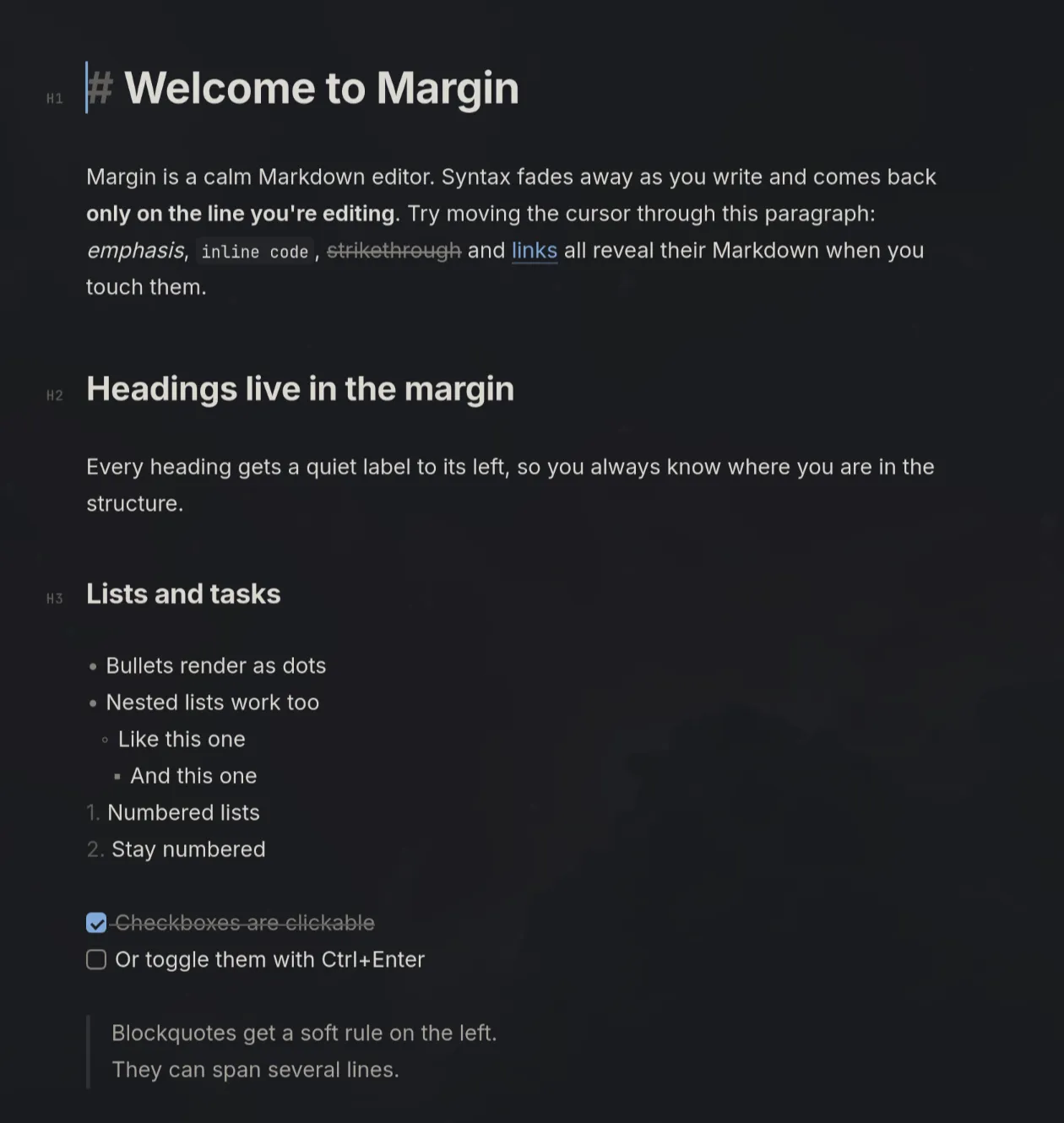
Margin hides Markdown syntax as you write and shows it again only where your cursor is. Headings get a quiet H1–H6 label in the left margin, and Mermaid diagrams, tables, images, and task lists render inline. It is keyboard-first, with shortcuts for formatting, find and replace, a raw source mode, and light and dark themes.
It runs on Tauri 2, with a small Rust backend for files and the window and a CodeMirror 6 front end for editing. The code is open on GitHub if you want to poke around or try it yourself. So far I have only tried it on Linux, and there is an install script for it.